News 13 October 2026
Two-factor sign-in is here
Lock your account down with a code from your phone. Plus blocking, sign out in the client and safer account deletion.
Your account, locked down
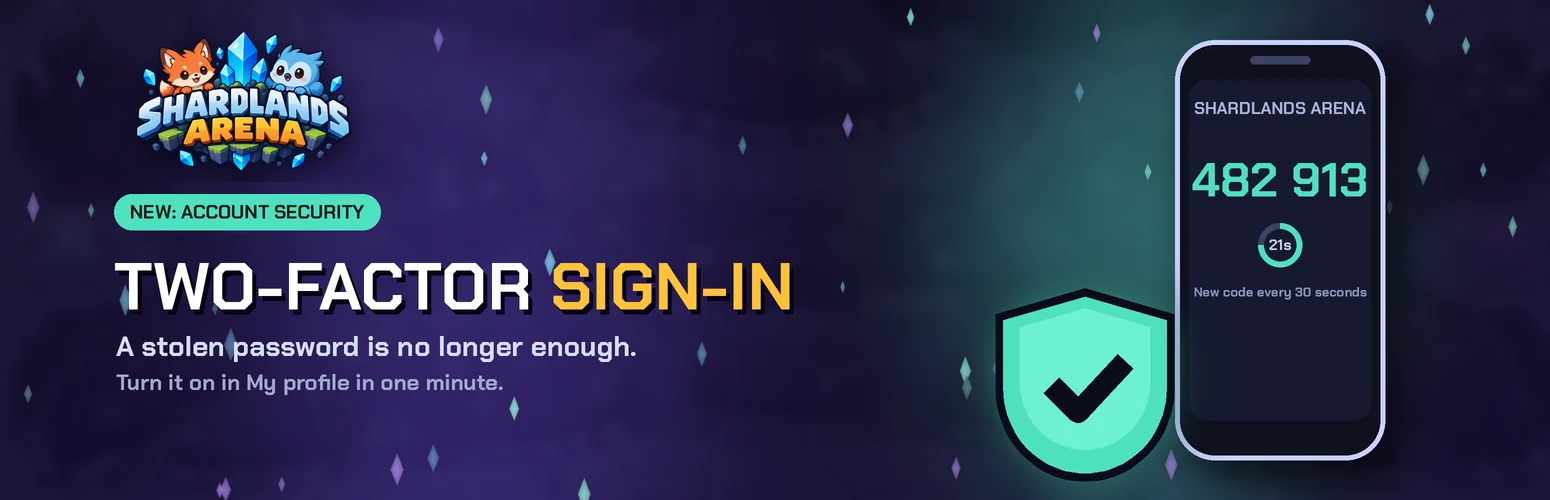
Shardlands Arena now supports two-factor sign-in. After your password (or Google), the game asks for a 6-digit code from an authenticator app on your phone. The code changes every 30 seconds, so a stolen password on its own can't get anyone into your account.
Why turn it on
- Passwords leak. Other websites get hacked and people reuse passwords. With two-factor sign-in, a thief would also need your phone.
- Codes expire in seconds. Each code works once, so an old or copied code is useless.
- Your rank, match history and friends stay yours. Nobody can play ranked as you or chat as you.
- It's free and takes a minute. Any authenticator app works.
How to turn it on
- Install an authenticator app: Google Authenticator, Microsoft Authenticator, Authy or 2FAS.
- Open My profile → Account & security on the website or in the game.
- Press Protect my account, scan the QR code and type the code the app shows.
- Save your 10 recovery codes somewhere safe. Each one signs you in once if you lose your phone.
From then on, signing in on the website or in the desktop client asks for the code.
Also new
- Block players: use the block button next to a friend or a friend request. They can't invite you, message you or send you friend requests, and they aren't told. Unblock any time on My profile.
- Sign out in the client: My profile → Sign out in the lobby.
- Account deletion: a deletion request now locks the account right away and deletes it after 30 days. You can cancel any time before then on My profile.
Staff will never ask for your password or your codes.